
AI pet portrait prompts
Updated November 2, 2026
The hard part of an AI pet portrait isn't the costume, it's making it still look like your pet. Here are 20 prompts that work in most image tools that accept a reference photo, and the lines that keep the likeness.
The likeness lines (add these to every prompt)
"Use the attached photo as the only reference for the animal. Keep the exact face, fur colors, markings, eye color, ear shape and coat length. Don't make it look more like a breed standard. Keep its age and build." Without lines like these, most tools drift toward a generic, prettier version of the breed.
Funny
CEO
"…as a CEO in a navy suit behind a large wooden desk, city skyline through the window, confident expression, photorealistic."
Chef
"…as a grumpy chef in white chef's clothes and a tall hat in a busy restaurant kitchen, unimpressed expression."
Astronaut
"…in a white spacesuit with the visor open, Earth in the background, cinematic lighting."
Rockstar
"…as an 80s rock star with a leather jacket and an electric guitar on a smoky stage with colored lights."
Cowboy
"…as a cowboy with a hat and bandana in a desert at golden hour."
Grandma
"…as a cozy grandma with reading glasses and a knitted shawl in an armchair by the fire."
Superhero
"…as a superhero with a red cape on a city rooftop at night."
Classic
Renaissance
"…as a renaissance noble in a velvet cloak with a lace collar, dark background, oil painting style, gilded frame."
Royal
"…as a king or queen with a crown and an ermine robe on a throne, oil painting."
Watercolor
"…as a loose watercolor portrait on white paper, soft edges."
Pencil
"…as a detailed graphite pencil drawing on cream paper."
Victorian
"…as a Victorian gentleman or lady in a sepia photograph."
Christmas
Santa
"…as Santa Claus with a red hat and white beard by a fireplace with stockings."
Elf
"…as a Christmas elf in a green outfit in Santa's workshop."
Ugly sweater
"…wearing an ugly Christmas sweater, sitting by a decorated tree."
Reindeer
"…with reindeer antlers in a snowy forest at dusk."
Holiday card
"…in a cozy holiday living room, warm string lights, portrait for a Christmas card."
Other tips
Use a sharp photo
The tool can only keep what it can see. See the best photo for a pet portrait.
One animal per photo
Two animals in the reference often get blended.
Generate several versions
Pick the one that looks most like your pet.
Don't ask for text
AI tools often misspell words. Add names later in an editor.
Check before printing
Most tools output screen resolution. Printing large needs a higher-resolution file.
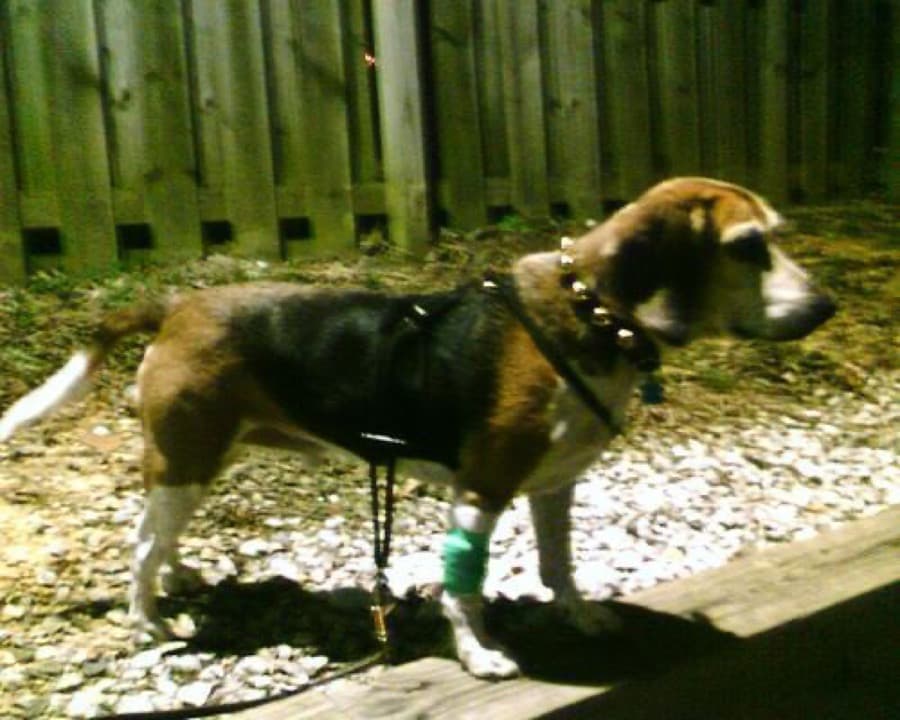
Original phone photo
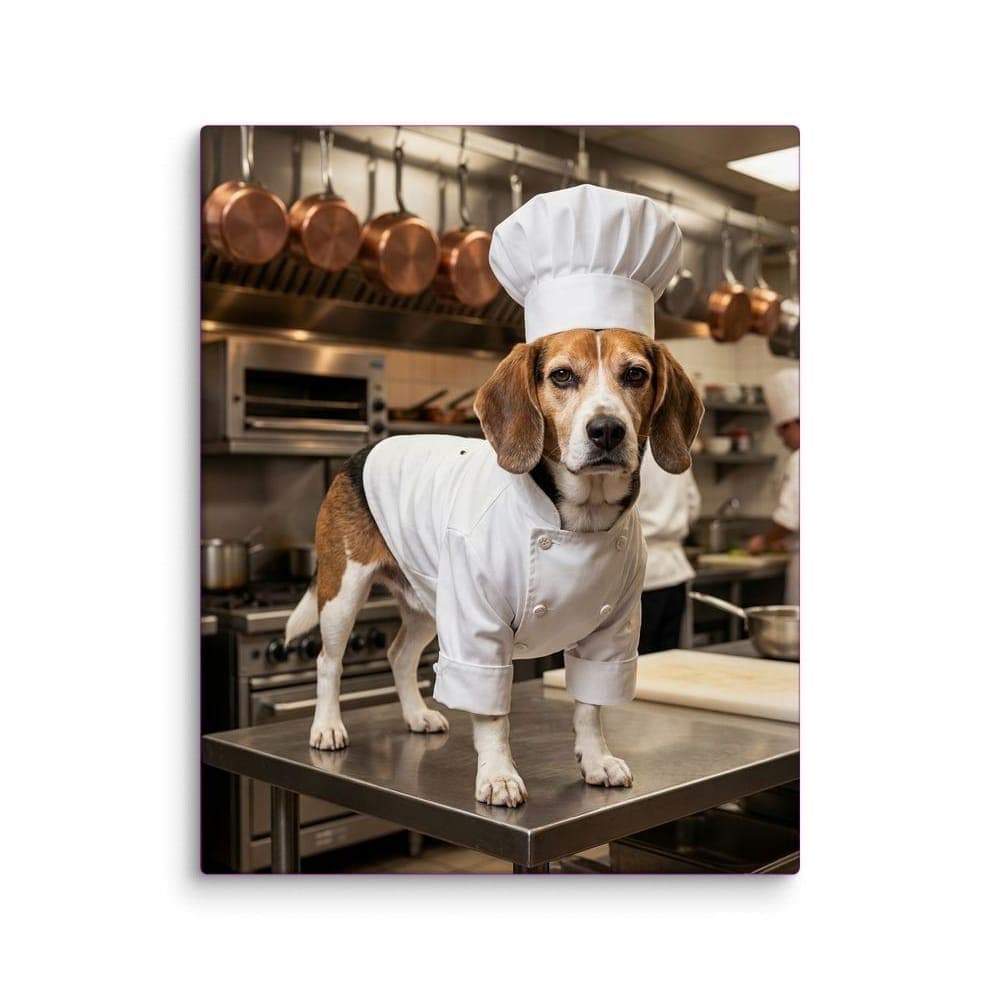
The portrait on canvas
Or skip the prompts
Our styles have the likeness rules built in. Upload a photo, pick a style, and see two versions on the real product, ready to print. Try the free AI pet portrait generator. Extra styles are $2.99 each.
Skip the prompts
Upload one photo and see your pet in a style on the real product in about a minute. The first style for each pet is free, with two versions to pick from.
See all stylesQuestions
Why doesn't my AI pet portrait look like my pet?
The tool is guessing from too little information or drifting toward the breed standard. Use a sharper photo, add the likeness lines above, and generate several versions.
Can I print an AI pet portrait?
Yes, if the file is large enough. A 16×20″ canvas needs a few thousand pixels on each side.
Is it OK to sell AI pet portraits of other people's pets?
Only with the owner's permission for the photo, and check the image tool's terms for commercial use.