

How to take good pictures of your dog
Updated October 23, 2026
Most bad dog photos have the same four problems: too dark, taken from above, blurry, or the dog is looking anywhere but at you. All four are easy to fix with a phone.
1. Go outside or face a window
Daylight is the single biggest upgrade. Overcast days are best: soft light, no harsh shadows, no squinting.
2. Get down to their level
Kneel or lie down so the phone is at their eye height. It's the difference between a snapshot and a portrait.
3. Tap to focus on the eyes
Tap on the eyes on your screen before shooting. Sharp eyes make a photo work even if the rest is soft.
4. Use burst mode
Hold the shutter button. Dogs move constantly, and one frame out of twenty will be the one.
5. Make a noise right before you shoot
A squeak, a kiss sound or their name gets a head tilt and pricked ears. It works about three times before they stop caring.
6. Hold a treat above the phone
Their eyes follow the treat straight into the lens. A helper holding it works even better.
7. Wipe the lens
Phone lenses are almost always smudged. A wipe on your shirt fixes the hazy look.
8. Skip the flash
Flash flattens fur and causes glowing eyes. Add light instead of using flash.
9. Tire them out first
A walk before the photo session gets you a calmer dog that will actually sit.
10. For action, use good light
Running shots need lots of light for a fast shutter. Shoot in sunshine and use burst mode.
11. Black and white dogs
Black fur: tap to expose on the dog, not the background, and use bright shade. White fur: avoid direct sun, which blows out detail.
Portrait mode: use it carefully
Phone portrait mode blurs the background, which looks great, but it often blurs the edges of ears and fluffy fur too. Check the edges before you keep the photo.
The photo you'd want for a portrait
If you're taking a photo to turn into a portrait, you want both eyes, the nose and both ears in frame, nothing covering the face, and any markings visible. Our portrait photo guide has the short version.
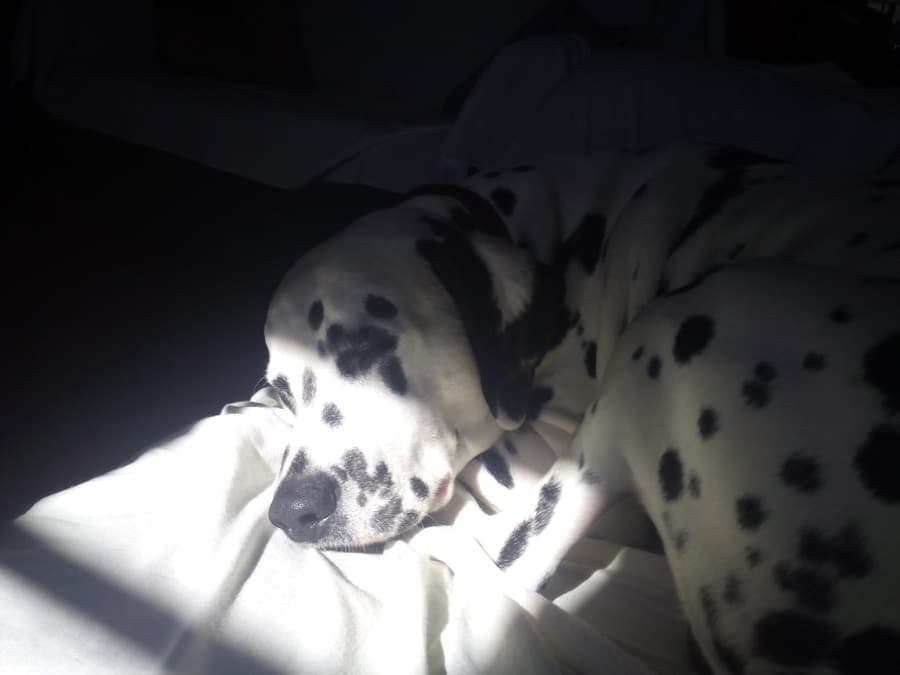
Original phone photo
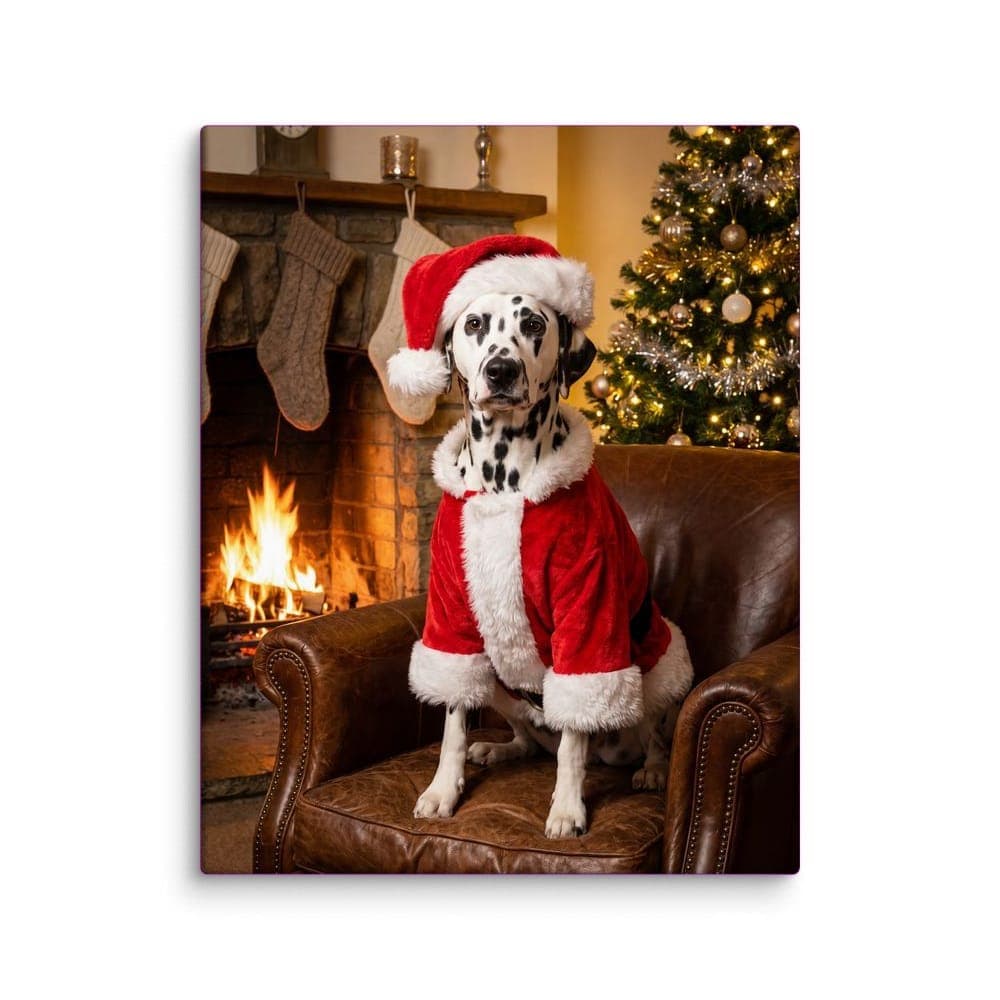
The portrait on canvas
Got a good one?
Upload one photo and see your pet in a style on the real product in about a minute. The first style for each pet is free, with two versions to pick from.
Turn it into a portraitQuestions
How do I get my dog to look at the camera?
Hold a treat or toy right above the lens, or have someone stand behind you with one. Make a new sound just before you press the shutter.
Why are my dog photos blurry?
Usually not enough light, so the phone uses a slow shutter. Move to daylight, use burst mode and tap to focus on the eyes.
What's the best time of day for dog photos?
Overcast midday or the hour before sunset. Avoid harsh noon sun, which causes squinting and dark eye shadows.
How do I photograph a black dog?
Use bright shade or a window, tap on the dog to set the exposure, and avoid dark backgrounds.